Cloud Cost Anomaly Response: A Practical Triage Runbook
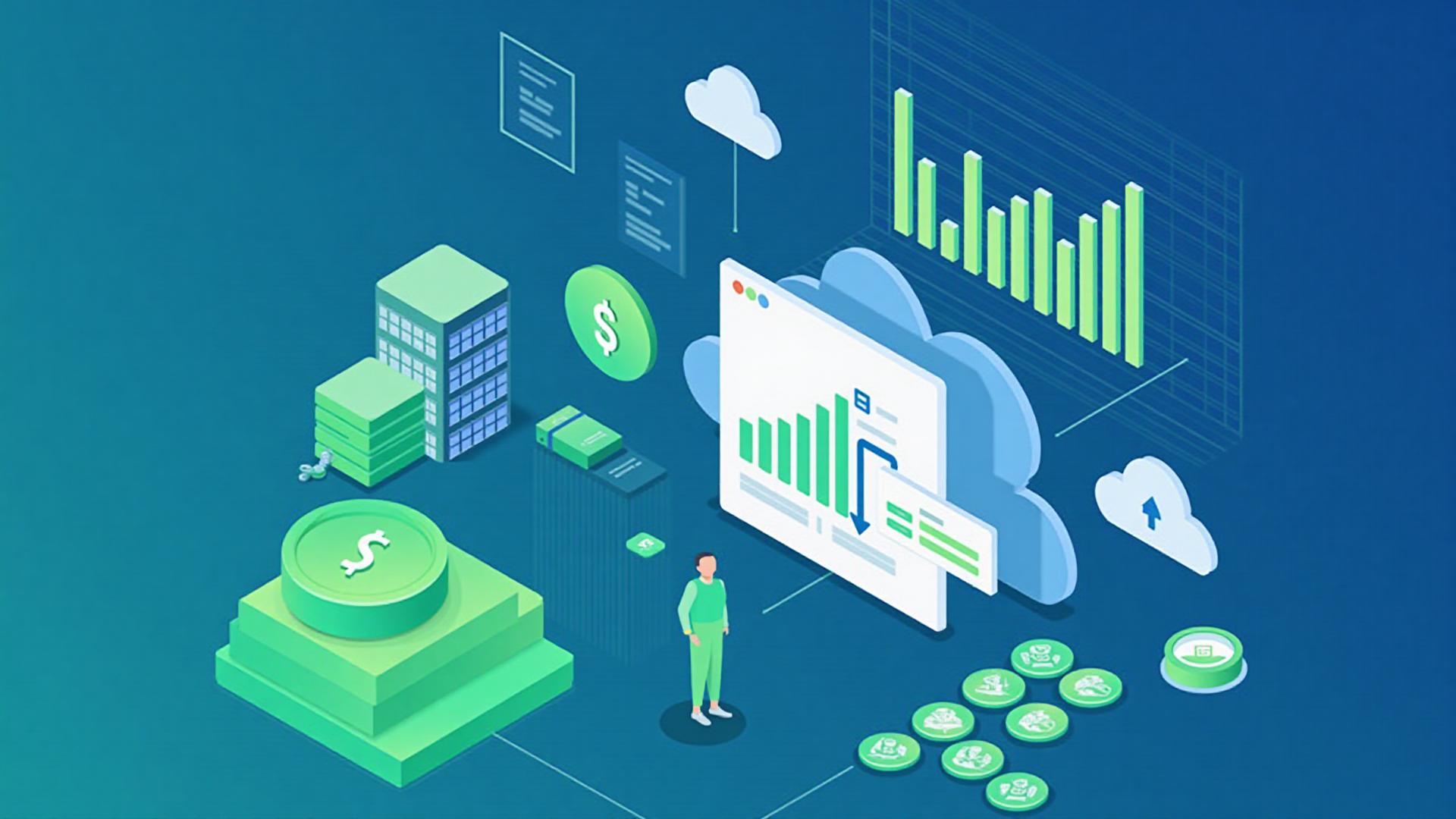
A cloud cost anomaly response runbook tells the team how to assess an unexpected change in spend, find the responsible workload and decide what to do without disrupting a valid service. The alert is only the starting signal. A useful response connects billing evidence, recent technical changes and a named business owner.
Start with impact, scope and time
Record when the change began, the affected billing scope and the estimated cost impact shown by the provider. Confirm whether the alert covers gross, net, amortised or another cost view. These views can lead to different conclusions, so keep the original alert and query settings with the investigation.
Compare the same time grain and currency. Check whether billing data is complete for the period. Provider tools may process usage after it occurs, which means an alert is not necessarily a real-time control.
Assign one triage owner
Name the person coordinating the investigation and the workload owner who can explain expected demand. Include finance or procurement when commitments, credits or commercial terms may affect the result. Security and operations should join when the cost pattern could indicate misuse, failure or uncontrolled scaling.
The FinOps Framework anomaly-management capability recommends documented detection, notification, investigation and resolution. Cost allocation metadata helps route an anomaly to the team able to assess it.
Use a repeatable triage sequence
- Validate the signal: confirm the scope, cost view, period and alert threshold.
- Find the main change: break cost down by service, account or subscription, project, region, resource and usage type.
- Check recent events: review deployments, scaling changes, new data flows, pricing changes and planned business activity.
- Test the explanation: compare resource metrics, configuration and cost data for the same period.
- Classify the outcome: expected change, waste, defect, possible security event, pricing effect or unresolved.
- Choose a controlled action: accept and update the forecast, optimise, correct a fault, contain a threat or continue monitoring.
- Record closure: save the cause, decision, owner, evidence and any follow-up date.
Microsoft's guidance on unexpected Azure cost changes distinguishes new, removed and changed costs and shows how to drill into contributing scopes. AWS documents that Cost Anomaly Detection can monitor services, accounts, cost allocation tags or cost categories. Use the dimensions available in your provider, but keep the investigation method consistent.
An illustrative scaling alert
Assume a data-processing service shows a sharp daily increase. The billing breakdown points to additional compute in one region. A deployment record shows that the minimum worker count changed on the same day.
The team should still verify application demand and resource metrics. If the extra workers were required for a planned import, the response may be to accept the cost and update the forecast. If the setting was changed by mistake, restore the approved configuration through the normal change process and check the next complete billing period. This example is hypothetical; it does not represent a Petatec customer result.
Do not automate a shutdown from cost data alone
Anomaly tools identify unusual patterns, not business intent. A sudden increase may support a product launch, recovery exercise or seasonal workload. Stopping resources automatically can create a larger operational loss than the cost being investigated.
Where automated containment is appropriate, define the eligible resources, safety checks, approval route and recovery method in advance. Keep critical, regulated and shared services outside broad actions unless their owners have accepted the control.
Watch for common investigation mistakes
- Looking only at the total: aggregate spend can hide one fast-growing component.
- Ignoring credits and commitments: usage, invoice and effective cost views may differ.
- Relying on tags alone: missing or changed metadata can send an alert to the wrong owner.
- Closing an expected anomaly without context: future reviewers need to know why the change was valid and whether the forecast changed.
- Treating every anomaly as waste: unexpected demand, a defect and unauthorised use require different responses.
- Changing production before checking dependencies: cost action still needs operational risk control.
Build a small response record
- Alert source, detection time and billing-data status.
- Affected scope, service, resource and owner.
- Observed and expected cost for the same period and view.
- Relevant deployment, demand, configuration and security evidence.
- Classification, decision, action owner and review date.
- Alert or allocation improvement identified during the review.
Review false positives and missed events regularly. Adjust thresholds and routing when the evidence supports it, while keeping a separate cloud cost allocation process and a broader FinOps operating rhythm. Use cloud waste reviews for recurring optimisation rather than waiting for an anomaly.
For a wider assessment of cloud architecture, ownership and operating controls, see Petatec's infrastructure and cloud services. Discuss a cloud cost-control review with Petatec.
Reduce IT spend without making support worse.
Petatec reviews licences, suppliers, infrastructure and support models to cut avoidable spend while keeping business-critical systems stable.
We will confirm a suitable time with you.
Related Articles
Cloud Cost Allocation: Assigning Shared Spending Fairly
Assign cloud spending to owners with clear allocation rules, visible exceptions and a fair treatment of shared services.
FinOps: A Practical Plan for Managing Cloud Costs
Build a FinOps routine with clear cost owners, useful reports, an action register and checks that savings reach the bill.
Cloud Architecture: A Decision Checklist for Business Workloads
Plan cloud architecture around service needs, dependencies, recovery, access and operating costs before choosing components.